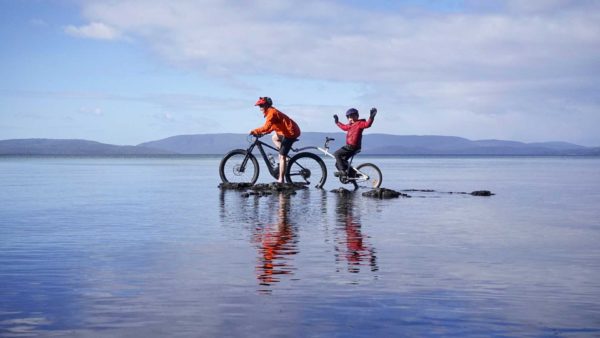
Like all good adventures the making of Spring Equinox wasn’t without a drama or two. I guess it helps sort you out – do you really want this or not.
The idea for the video changed a few times along the way, mainly due to the combination of wanting to complete it from start to finish within September, and the weather in September (on days I could ride) having other ideas. No biggie, I was happy to be out riding around with the camera and little tripod having a fun old time.
A few people have asked about camera settings and stuff like that, so here’s the info:
Camera: Panasonic Lumix GH2
Lens: 14-140mm
Video setting: FSH 1920×1080 50i
Shooting mode: P
One wee challenge was that I hadn’t ever used the Lumix GH2 for video before, though I had bought it a while back with the intention of doing so. 3 weeks later I’d gathered 46 GB of compressed .mts video files (+200 shots) and was busy tooling away with all the puzzle pieces in Sony Vegas on my clunker PC. It all seemed to be going along OK until with only 10 seconds of Spring Equinox movie timeline left to work on Sony Vegas Pro started crashing every time I opened it and did anything in the timeline. ARGH!
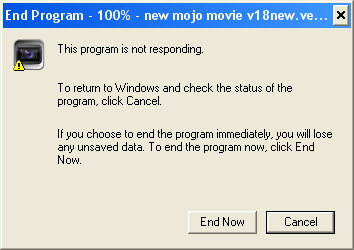
Fortunately one thing Vegas did allowed me to do before it kept crashing was render the video in an unfinished state. I figured if it all went bad at least I’d have that. But the quality of the video was crap, the movement wasn’t smooth, lots of weird ghosting. Tried different render settings, nothing seemed to help. Hmmm… concerned hippie.
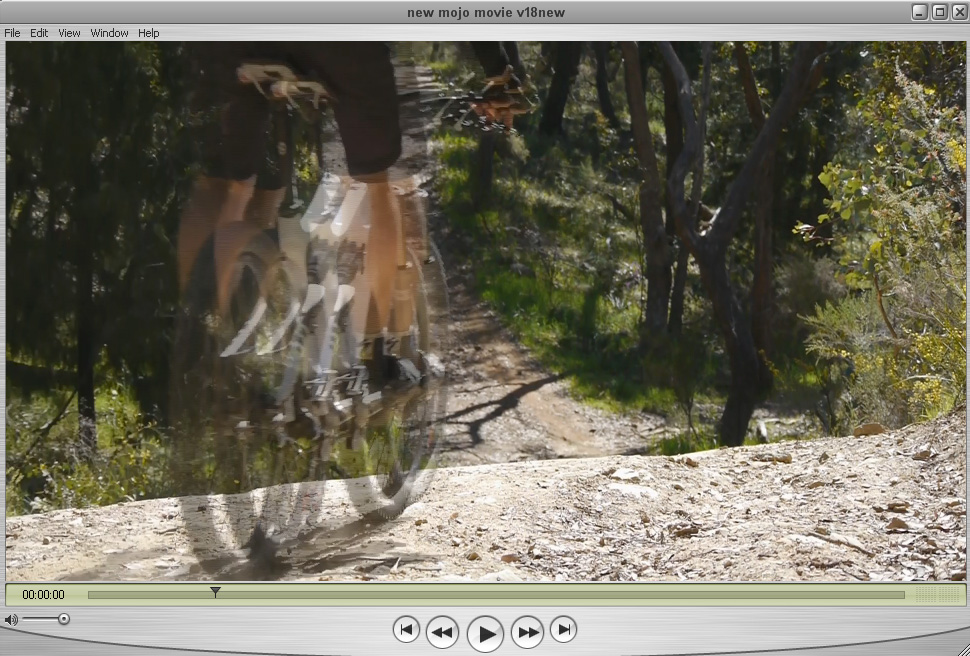
After a Google session or two it seemed like the problems had to do with the seriously resource intensive nature of .mts files, combined with Vegas and my clunky old computer. The general consensus seemed to be to convert the .mts files into something Vegas could handle better like good old Windows .avi and start the editing all over again.
One problem was that I had very little disk space left on either drive and the 46GB of .mts files would unpack to +500GB. What I really need to do was only convert the small action sections of each .mts file. Sounded easy enough, but tracking down the right software for the job took ages.

To trim the .mts files I ended up settling on Aunsoft Final Mate, along with Neoscene to convert the trimmed .mts files to Cineform .avi.
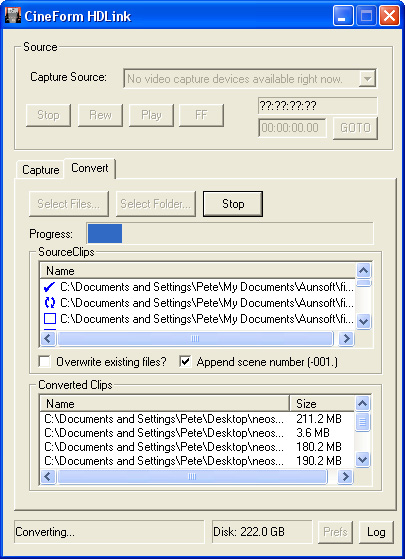
I made a few dummy videos to test the entire process. If the renders still sucked it was all over as it probably meant I’d made a mistake with critical camera settings at the time of shooting. Thankfully the test renders turned out great… even though after doing more reading it seemed like there actually was a better setting I should’ve used when shooting the video originally, doh!
The big question now was if Vegas would start to crash once I started redoing the edit, as more and more files were added to the timeline. Only way to find out was to do it all over again.

To make things a little harder I hadn’t renamed the original .mts files to anything descriptive as I initially sorted through them, just had numerous date folders containing 0001.mts, 0002.mts etc. Before I could start trimming .mts files I had to work out what was what. The only way to do that was open every .mts in Aunsoft, rename the trimmed .mts files that were used in the video and at the same time write a pen and paper storyboard kinda thing, describing each shot along with timing in the original crappy render — it turned out to be good for something after all.
Lesson: Be much more disciplined with file management from the getgo!

I worked through trimming and converting the .mts files over a few days. Aunsoft Final Mate only just handled the job crashing after every few trims, I think mainly due to my old underpowered PC. Neoscene on the other hand churned through the .mts to .avi conversion with no probs. I ended up with 163 .avi files (32GB) — just the action bits, ready to go. I also installed an additional hard drive to ease storage problems — it’s insane that 1TB is a standard kinda size now.

With a detailed story board to work from and files with descriptive names it didn’t take long for the video to come together again. Vegas definitely handled the .avi’s much better all round but as more files were added every now and then a random video would black out in Vegas and not play. More Google time but in the end simply closing and re-opening Vegas would fix it… PHEW!
Much to the amusement of my daughter Holi there were a large number of ‘final’ renders where I’d run around exclaiming it was done only then to notice another detail that needed to be changed. I could’ve kept fiddling around with it forever but with one day left of September it was time to let go. Sitting on the desktop was little new movie icon, the 1920×1080 Spring Equinox mpg file, 426mb of compressed therapy, ready to upload…
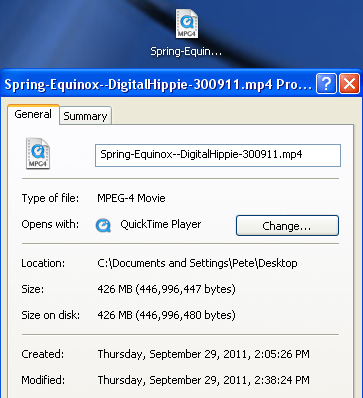
Was it worth it? Abso-fricking-lutely. It’s crazy fun to be able to produce video at home, and on a crappy old PC at that. Was all this the best way to go about? Absolutely no idea, I’m just stoaked it worked.
I’m looking forward to making another video already! 🙂